Local processing
Every pixel is computed on your Mac. Nothing is uploaded, queued or scanned.
AI image enhancement for macOS
Upscale photos, restore fine detail and remove compression blur with a native Mac app that runs entirely on your device. No uploads. No limits.
4.9 / 5 from 2,400+ creators, designers and photographers.
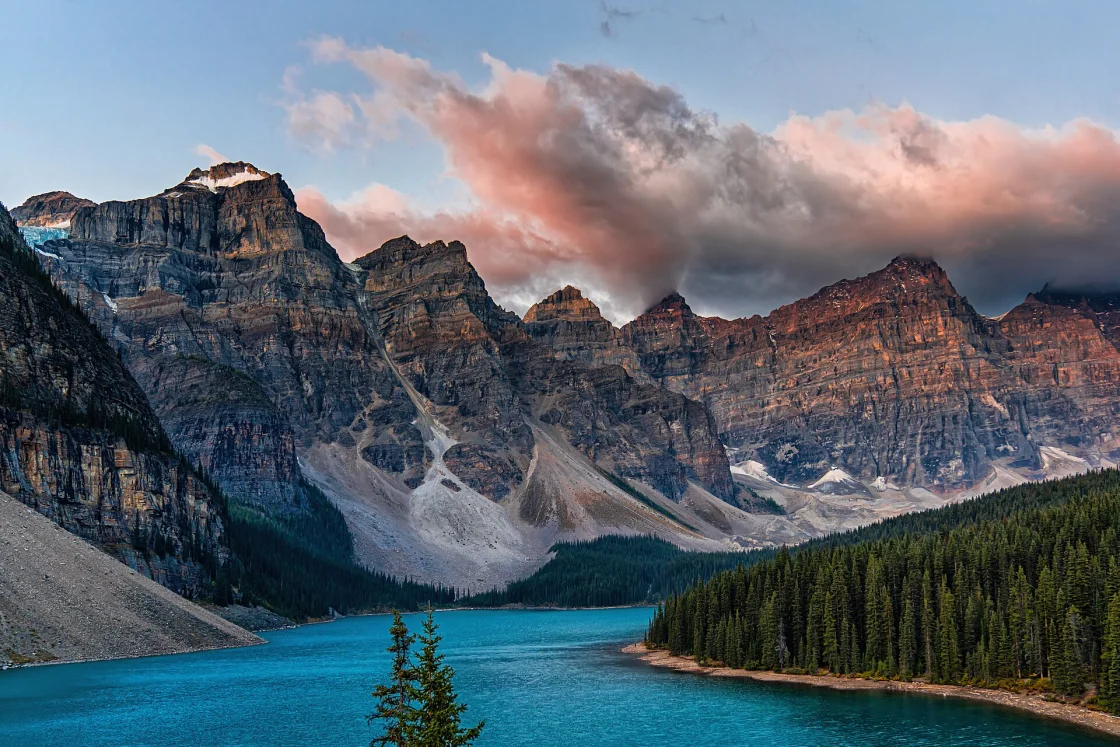
 Before
After
2× Upscale · AI Enhance
Why ClarityAI
Built like a proper Mac app: fast, quiet, and it respects your files.
Every pixel is computed on your Mac. Nothing is uploaded, queued or scanned.
No account, no telemetry, no cloud. Your photos stay exactly where they belong.
Pick the model that fits the shot — portraits, landscapes, products or scans.
Drop a folder and upscale hundreds of images in a single pass, names intact.
Unlimited exports at full resolution. No credits, no queues, no subscription.
Fine-tune sharpening, denoise and grain to taste — then save it as a preset.
How it works
Powerful results, made simple. The whole flow takes seconds.
Drag in a photo or a whole folder. JPEG, PNG, HEIC, TIFF and RAW all work.
Pick a model, set the scale and preview the result live in the split view.
Let the AI render the full-resolution file and save it wherever you like.
Real results
Restore detail, reduce blur and bring back texture that compression destroyed — without ever leaving your Mac.
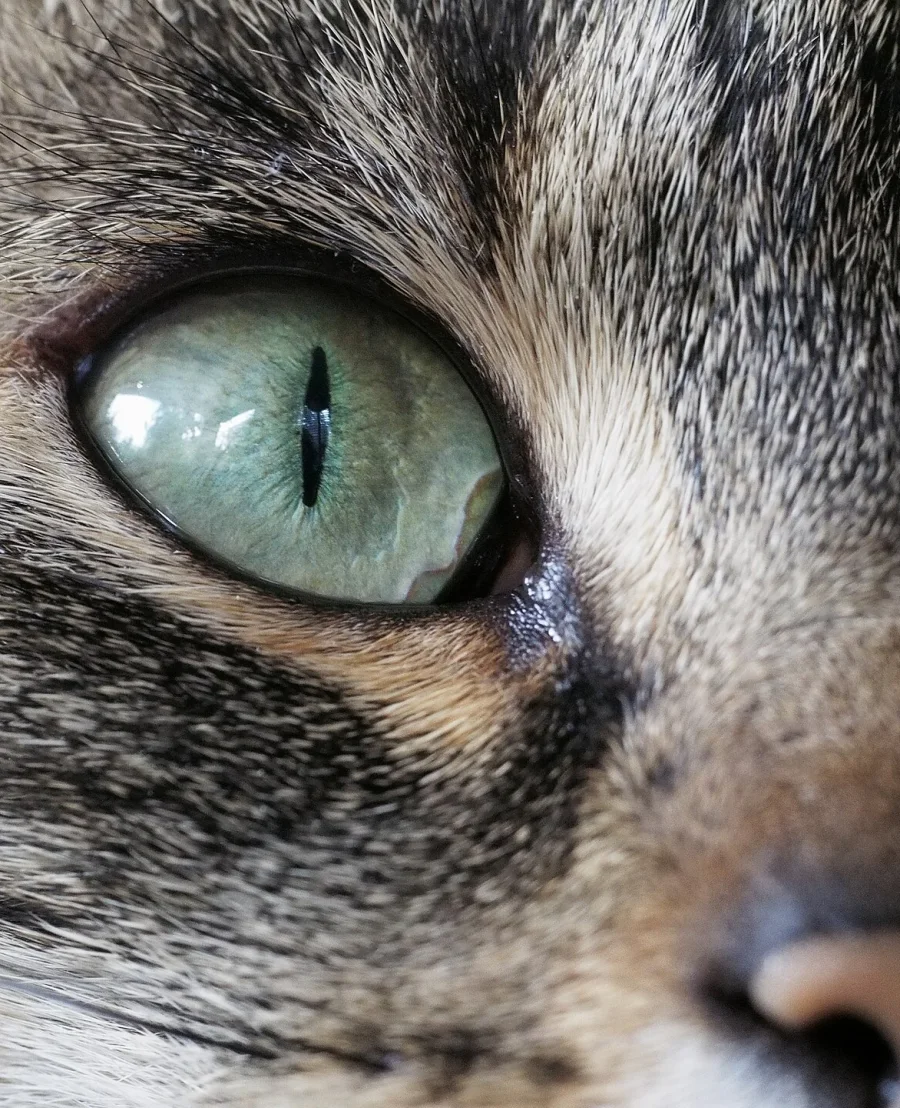
 Before
After
4× Upscale · AI Enhance
Open source
Transparent, auditable and easy to build on. Explore the source, contribute, or adapt it to your own workflow.
FAQ
Quick answers to the most common questions. Still curious? Drop us a line.
Yes. ClarityAI is open source and free to download. There are no watermarks, credits or subscriptions — export as many images as you like, at full resolution.
Completely. Every model runs locally on Apple Silicon or Intel using Metal, so you can enhance a whole shoot on a plane with Wi-Fi switched off.
Your images never leave your Mac. There is no upload step, no account and no analytics attached to your files.
Yes — drag in a folder and ClarityAI queues every file, preserving names, subfolders and metadata. Export the whole batch in one go.
JPEG, PNG, WebP, HEIC and 16-bit TIFF, plus RAW from most modern cameras. Exports keep the original bit depth and colour profile.
Ready to enhance your images?
Start with a simple, on-device AI workflow built around image quality and control.